
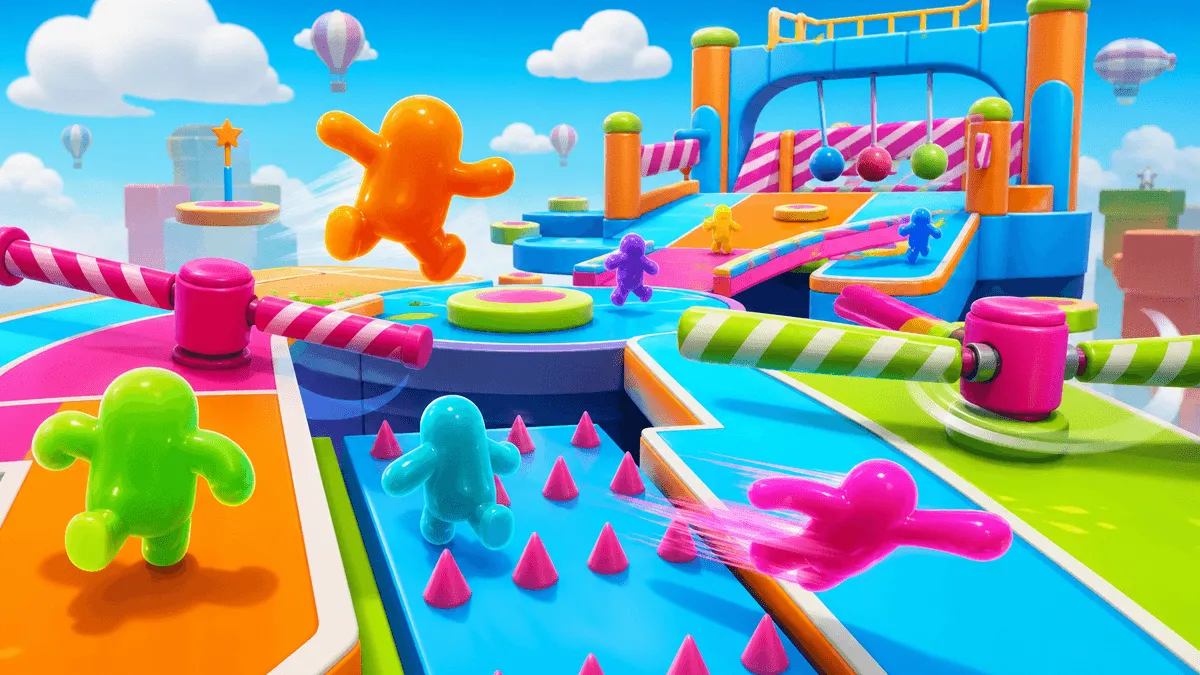
Goober Dash Controls, Jump Timing, and Race Tips
The basic Goober Dash controls are movement, jump, and dash, but reliable qualification depends on how those actions are timed. A clean landing is usually worth more than a rushed shortcut, especially in a 32-player race where one mistake can push a Goober into the busiest part of the course.
Quick takeaways
- Move with A/D or the Arrow Keys.
- Jump with W, Z, or Up Arrow.
- X is the commonly documented dash key.
- Land before changing direction sharply.
- Use dash for a clear route, not into a crowded platform.
On this page: controls · jump timing · dash use · race strategy · FAQ
Goober Dash Control Chart
| Action | Keyboard control |
|---|---|
| Move left | A or Left Arrow |
| Move right | D or Right Arrow |
| Jump | W, Z, or Up Arrow |
| Dash | X |
The game may display active bindings in its settings interface. The important mechanical distinction is that jump creates vertical clearance while dash provides a fast horizontal burst. Combining them without checking the landing area often turns a good route into a fall.
How to Time a Jump
Look at the obstacle's near edge and the landing surface beyond it. Begin the jump close enough to preserve forward distance, but early enough that the Goober reaches useful height before touching the hazard. Longer presses can change jump height, so practice on a safe platform before relying on maximum height in a crowded race.
After landing, give the character a brief moment to regain stable contact. Reversing direction during an uncertain landing increases the chance of sliding toward a trap or another racer.
When to Use the Dash
Dash is strongest when the path ahead is already visible. Use it to cross a short danger zone, reach a platform before it moves away, or knock a poorly positioned rival toward a hazard. Avoid dashing into a cluster because collisions and blocked landings can cancel the advantage.
Before pressing X, check three things:
- The landing area has open space.
- A moving obstacle will not close the route.
- Another racer is not approaching from the opposite direction.
Qualify More Consistently
The safest route is not always the slowest. A path with one extra jump can outperform a shortcut that fails half the time. During the first attempt on a user-created level, identify stable platforms and watch how moving hazards cycle before committing to narrow openings.
Use the camera and other racers as advance warning. When several Goobers fail at the same point, slow down and read the pattern. When a rival clears a hidden shortcut cleanly, note the entry angle instead of following blindly.
Return to play Goober Dash online and practice one skill per race: jump timing, dash landing, or route selection. This produces more consistent improvement than changing every habit at once.
Frequently Asked Questions
What are the Goober Dash controls?
Use A/D or the Left and Right Arrow Keys to move. Use W, Z, or Up Arrow to jump, and X to dash. Check the game's settings if a customized binding behaves differently.
How many players are in Goober Dash?
The official Goober Dash page describes it as a free 32-player race royale with customizable characters and user-created levels.
Does Goober Dash have a level editor?
Goober Dash supports user-created levels, which is why course layouts and obstacle combinations can vary. New levels should be read carefully before attempting risky shortcuts.
Conclusion
Consistent Goober Dash controls come from separating the actions: move into position, jump with a visible landing, then dash only when the route is open. That sequence reduces falls and gives you a better chance of qualifying on unfamiliar courses.
August 21,2026