
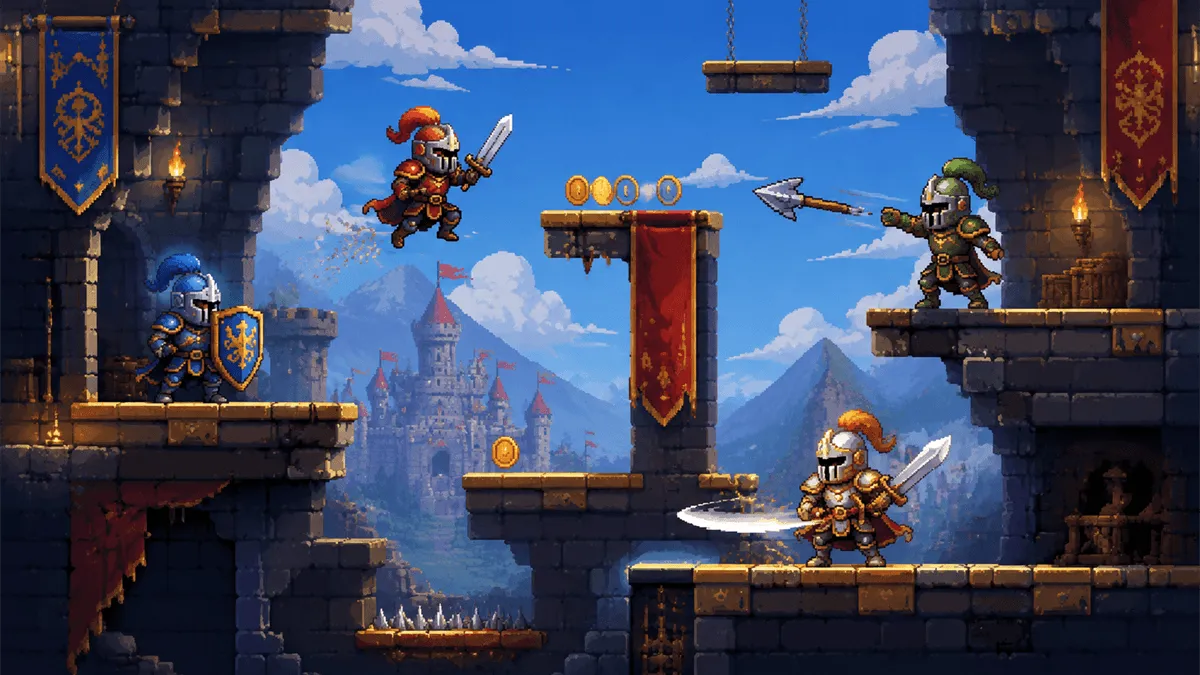
GoBattle.io Controls and Beginner Knight Guide
The core GoBattle.io controls let a pixel knight move, jump, cover, swing a sword, and throw weapons. The key beginner lesson is that cover is not a passive button: it creates time to read an opponent, protect collected resources, and choose a better moment to attack.
Quick takeaways
- Move with A/D or Left/Right.
- Jump with W or Up.
- Cover with S or Down.
- Use sword attacks at close range and throws at distance.
- Collect coins without becoming trapped on a platform.
On this page: controls · cover · weapons · coins · FAQ
GoBattle.io Control Chart
| Action | Keyboard control |
|---|---|
| Move left/right | A/D or Left/Right Arrow |
| Jump | W or Up Arrow |
| Cover | S or Down Arrow |
| Sword attack | Dedicated attack button shown by the game |
| Throw weapon | Dedicated throw button shown by the game |
Mobile play uses a movement joystick and separate sword, jump, and throw buttons. On either control scheme, practice moving and covering before trying to attack every opponent you see.
Why Cover Matters
The original developer description emphasizes learning to cover. Cover reduces the danger of direct pressure and forces the attacker to decide whether to continue, retreat, or change position. Use that moment to watch their next action rather than dropping your defense automatically.
Cover is weaker when another knight can attack from behind. Move toward a platform edge or wall that limits approach angles, then defend with the main threat in front of you.
Sword Attacks and Throws
The sword is the close-range option. Move into range only when you can strike without landing directly inside another knight's counterattack. Jumping down from a platform or approaching after a blocked attack can create a cleaner opening.
Thrown weapons extend your reach, but a missed throw can leave you without that tool when the distance closes. Use throws against predictable movement, narrow platforms, or opponents already committed to another action.
Collect Coins Without Losing Position
Coins improve the power of your weapons, so collection matters. The safest pickups sit along a route that still gives you room to jump or cover. A coin in the middle of several knights is not automatically valuable.
Use this order during a match:
- Secure a platform or open route.
- Collect nearby coins and weapons.
- Identify the nearest attacker.
- Cover or reposition before starting a fight.
Once the basics feel natural, play GoBattle.io online and focus on one decision: when to cover, when to throw, or when to leave a contested coin.
Frequently Asked Questions
What are the GoBattle.io controls?
Use A/D or Left/Right to move, W or Up to jump, and S or Down to cover. Sword and throw actions use dedicated buttons shown by the game's current interface.
How do you become king in GoBattle.io?
Defeat rival knights while staying alive and improving your fighting power with coins and weapons. Good cover timing and platform position make it easier to protect a lead.
Can you play GoBattle.io on mobile?
Yes. The documented mobile layout uses a movement joystick on the left and separate sword, jump, and throw buttons on the right.
Conclusion
Strong GoBattle.io controls begin with movement and cover. Once you can protect a position, add close sword attacks, deliberate throws, and safer coin routes to build a knight capable of taking the king position.
August 21,2026