How to Make Games with AI
Start with the complete EaseGame workflow, then follow focused tutorials for six game templates. Each guide separates the first prompt, follow-up changes, testing, and troubleshooting.
Define one core loop, one control scheme, one objective, visible feedback, and one ending before adding more systems.
Open the creatorStart with the complete workflow
View tutorial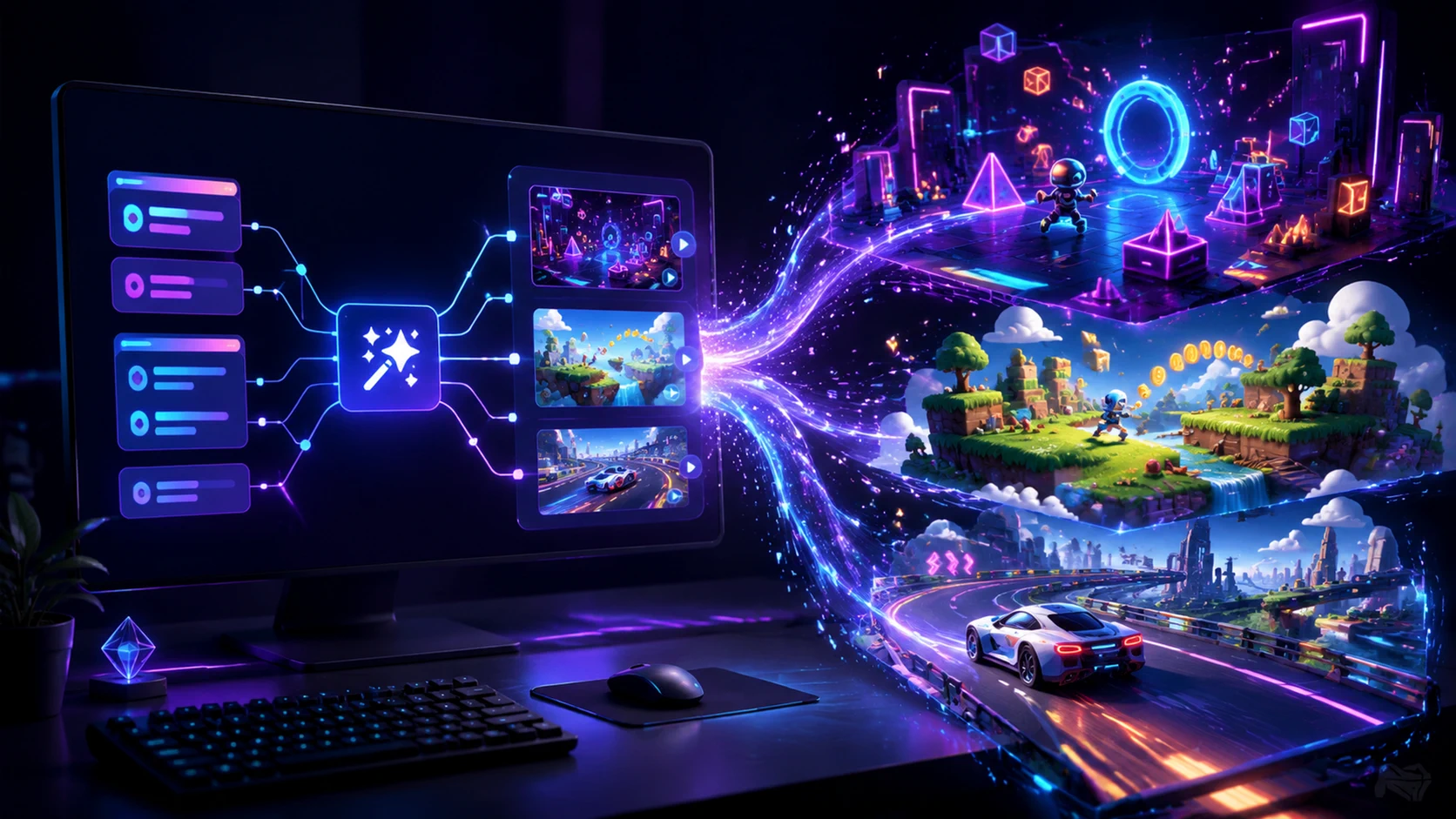
How to Create a Game with AI on EaseGame: A Step-by-Step Tutorial
To make a game with AI on EaseGame, describe a small game idea in one clear sentence and generate the first playable version. This tutorial uses a simple animal tile-matching game, then shows how to play-test and refine the result.
Customize an EaseGame template
6 guides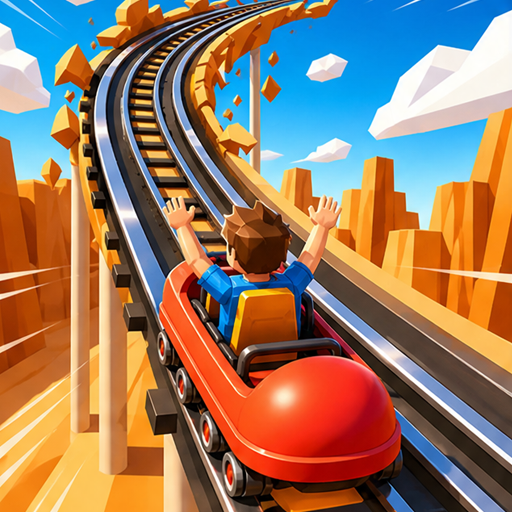 #Template tutorial
 How to Create a Neon Rail Rush Game with AI on EaseGame: Beginner's Guide
To create a Neon Rail Rush game with AI on EaseGame, open the existing template, keep its 3D-style roller-coaster racing framework, and request focused changes to the track, camera, obstacles, checkpoints, speed, or finish condition. Test one complete race after each change instead of asking for a new full 3D game from scratch.
 #Template tutorial
 Creating a Neon Striker Arcade Game Using EaseGame's AI Generator
To create a Neon Striker arcade game with EaseGame AI, begin with the template and define how the player aims, curves the shot, avoids obstacles, beats the goalkeeper, and earns points. Keep the first challenge to a small number of shots, then refine aim sensitivity, obstacle placement, goalkeeper timing, and scoring separately.
 #Template tutorial
 How to Generate a Sky Ascend Platformer with AI on EaseGame
To generate a Sky Ascend platformer with AI on EaseGame, start from the template and describe the jump behavior, floating-island spacing, collectibles, hazards, checkpoints, camera movement, and summit condition. Build one short vertical route first, then test every landing and adjust jump height or platform spacing one variable at a time.
 #Template tutorial
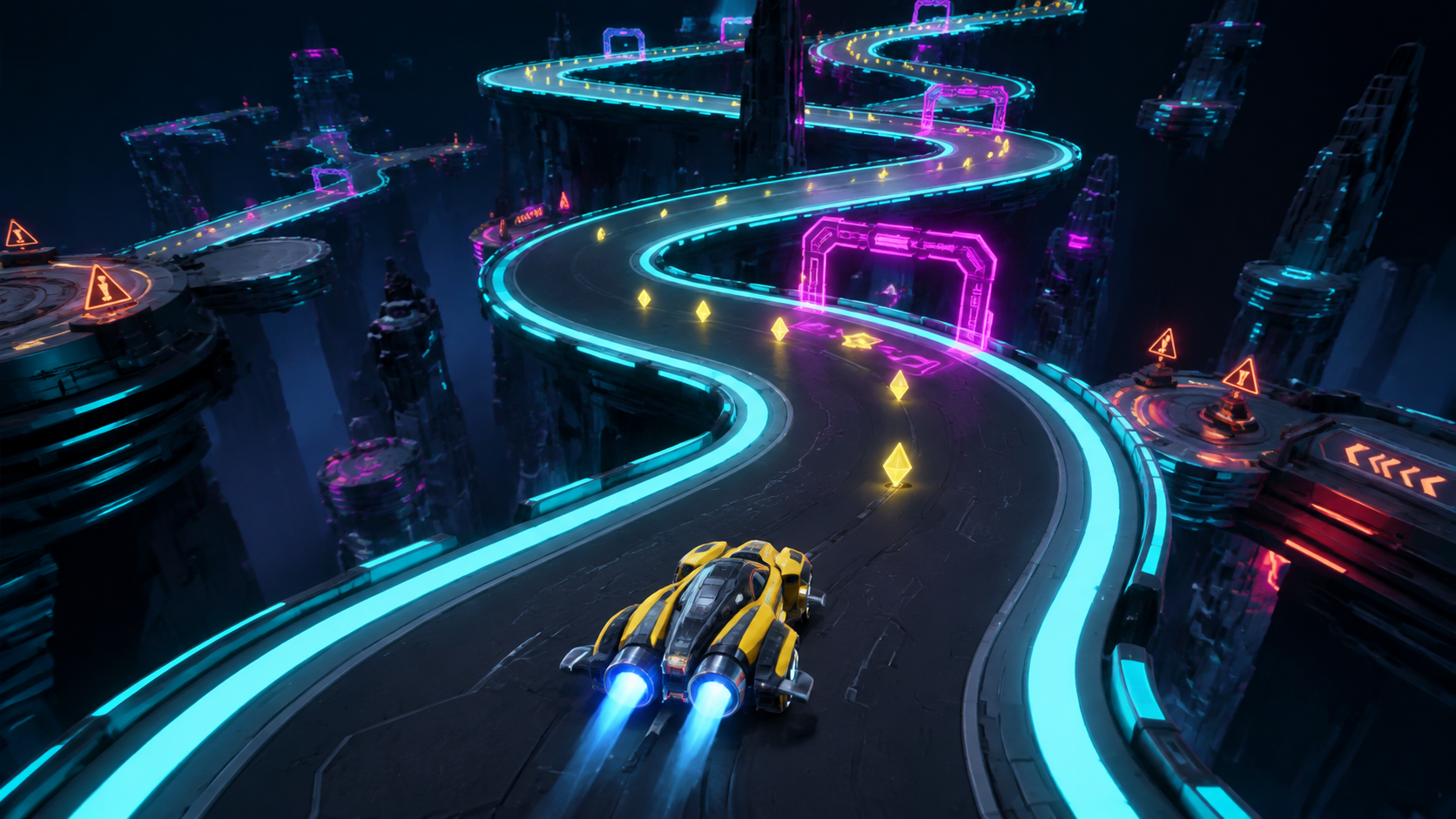
 AI-Powered Crazy Curve Game: A Hands-On Tutorial for EaseGame
To customize an AI-powered Crazy Curve game on EaseGame, keep the route focused on readable bends, then define steering, checkpoint gates, speed changes, pickups, fall recovery, scoring, and the finish condition. Test the same curve repeatedly while changing only one control or track variable, because steering and route geometry affect each other.
 #Template tutorial
 Line Rush on EaseGame: How to Customize Difficulty and Style with AI
To customize Line Rush with AI on EaseGame, separate gameplay difficulty from visual style. First define lane controls, obstacle spacing, speed progression, pickups, scoring, and the end condition. After the run is readable, change colors, effects, and environment without altering collision sizes or timing unless that is intentional.
 #Template tutorial
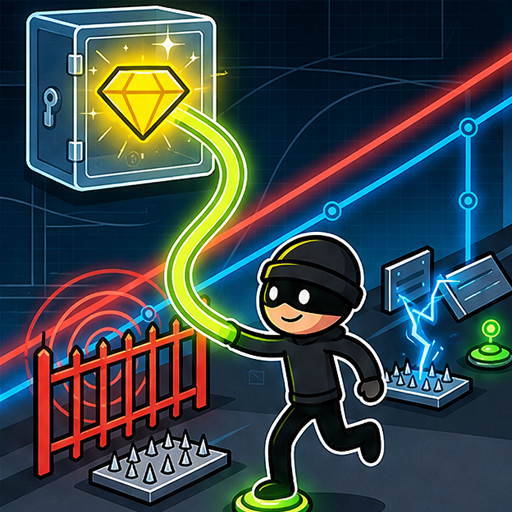
 Building a Cyber Heist Puzzle Game with EaseGame's AI: Full Walkthrough
To build a Cyber Heist puzzle game with EaseGame AI, start from the template and define the player movement, laser-grid timing, terminal interactions, artifact order, alarm behavior, escape condition, and failure recovery. Make every security rule visible, then test each terminal and laser route separately before combining them into a full heist.
The AI game creation loop
Describe
Define one core loop and a clear goal.
Generate
Create or apply the first playable version.
Play-test
Find one observable problem at a time.
Refine
Use a focused follow-up prompt.
Share
Save and share when the loop is ready.
AI game tutorial FAQ
Should I start with a prompt or a template?
Use a prompt for a small new idea. Use a template when you want to preserve an existing gameplay framework and customize specific rules, controls, difficulty, or visual choices.
Are all tutorial prompts verified outputs?
No. Reference prompts are labeled clearly and results may vary. Crazy Curve and Line Rush require a final check against their current live template details before publication.
Why change one thing at a time?
Focused revisions make it easier to connect a prompt to the resulting behavior and reduce the chance that an unrelated mechanic changes unexpectedly.