
AI-Powered Crazy Curve Game: A Hands-On Tutorial for EaseGame
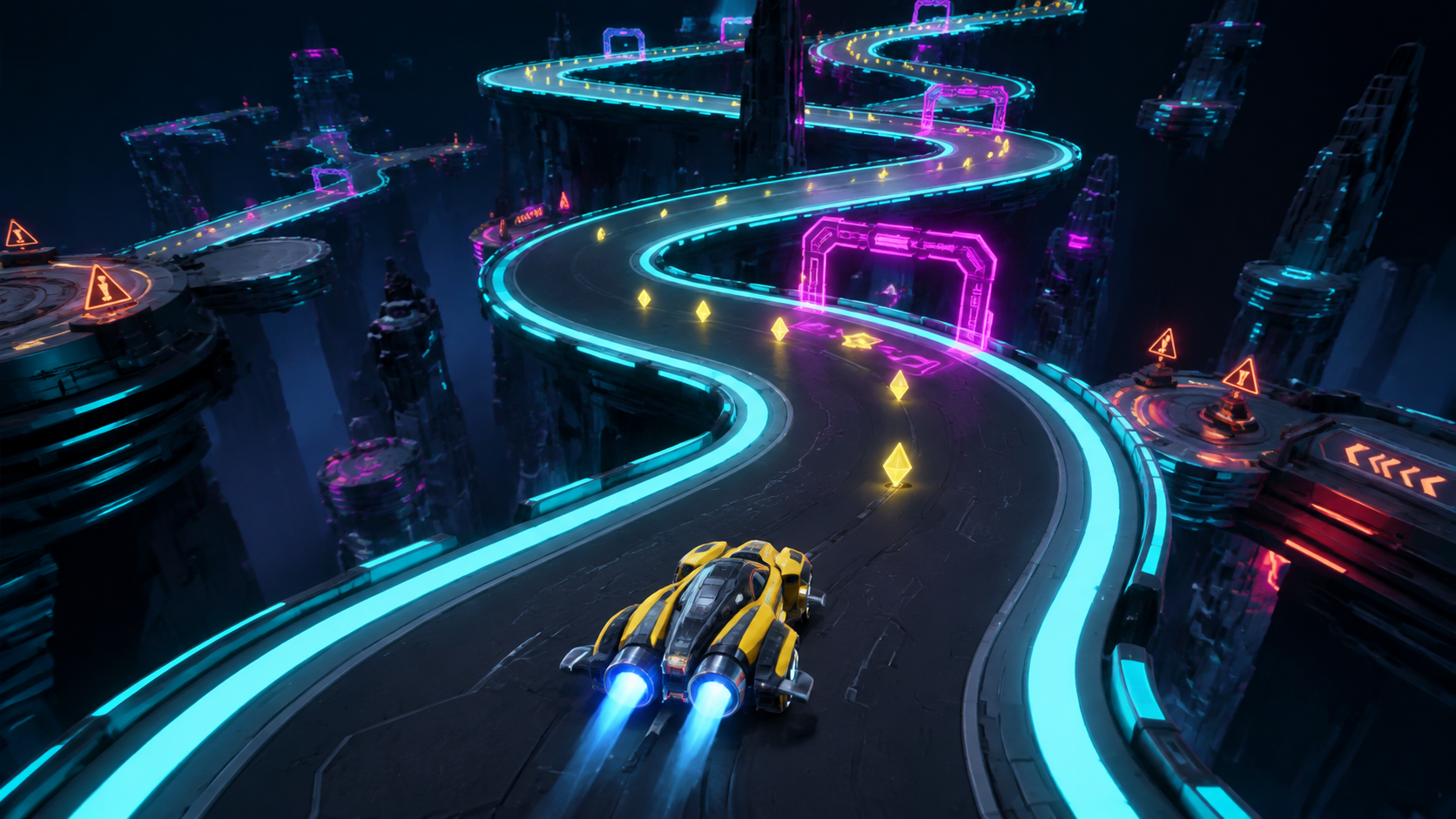 Tutorial concept art | Replace with verified template capture
 Copy the starter prompt
Use one sentence to describe the track, challenge, and finish condition.
Create a neon racing game where the player steers through winding curves, collects coins, passes three checkpoints, and reaches the finish before time runs out.
Reference prompt. Results may vary. Test it in the current EaseGame creator before treating it as a verified output.
What you'll build
This hands-on version uses a compact floating route, visible curve sequences, checkpoints, line choices, speed progression, and safe recovery.
- Six readable S-curves
- Three checkpoint gates
- Inside and outside pickup lines
- Checkpoint-based speed progression
- Fall recovery facing forward
- Timer, score, and finish gate
Build it step by step
Confirm the current template loop
Open Crazy Curve and check its actual controls and objective before using the reference prompt. Update the tutorial if the live template differs.
Build a compact route
Use six curves and three checkpoints so the entire course can be tested quickly.
Set a stable camera
Reveal the next bend and checkpoint without pulling so far back that the vehicle becomes difficult to track.
Tune steering at one speed
Test the same S-curve repeatedly and adjust steering without changing track width at the same time.
Add risk-reward pickups
Use a safe inside line and an optional outside bonus line rather than scattering pickups randomly.
Test recovery and finish
Fall before every checkpoint, verify the return direction, then complete the timer, score, finish, and restart flow.
Troubleshooting
The vehicle oversteers on faster curves
Apply a smaller steering multiplier only above the affected speed threshold.
The next bend appears too late
Raise the camera and move the checkpoint cue earlier instead of widening every curve.
Recovery points face backward
Store checkpoint position and forward direction, then restore both after a fall.
Pickups pull players off the route unfairly
Move normal pickups to safe lines and reserve risky positions for clearly higher bonus values.
Make it your own
- Create an ice track with slower acceleration and wider curves.
- Turn the course into a one-minute score attack.
- Add moving gates only after the static route is stable.
- Create alternate inside and outside routes that reconnect at each checkpoint.
Quality checklist
- The published tutorial matches the current Crazy Curve template.
- The next curve is visible before steering begins.
- Steering remains controllable at every speed level.
- Checkpoint order and recovery work.
- Safe and risky pickup lines are distinguishable.
- Finish, score, timer, and restart states work.
Crazy Curve FAQ
Is the Crazy Curve prompt verified?
Not yet. This draft uses a research-informed curve-racing structure because the live template prompt was unavailable during preparation. Verify the actual template loop, controls, and cover before publishing the article as a tested walkthrough.
What should I test first in a curve game?
Test steering on one representative curve at the opening speed. Once that feels consistent, repeat the same curve at later speed levels before adjusting route width, pickups, camera, or obstacles.
How can I make curves feel fair?
Show the route early, keep track edges visually distinct, avoid sudden direction changes outside the camera view, and use consistent steering behavior. Add warning markers before especially sharp bends.
Should pickups use the fastest line?
Normal pickups can guide the safe route, while higher-value bonuses can reward a riskier outside line. Make the value difference visible so players understand the choice.
How should checkpoint recovery work?
Store both position and forward direction when a checkpoint is passed. After a fall, restore the vehicle facing the route, preserve the intended score and timer state, and provide a short restart pause.
Test Crazy Curve one bend at a time
Verify the live template first, then tune steering, camera, and track geometry as separate variables.