
Genre and camera
What kind of game is it, and how does the player see it?
AI game prompts describe the playable rules an AI game maker should build. A useful prompt names the genre, core loop, controls, objective, obstacles, feedback, progression, ending, and visual direction. Start with one compact loop, generate it, play it, and use follow-up prompts for specific changes.
One movement loop
One visible objective
One clear ending
A complete first prompt should answer these six questions before adding decorative details.
What kind of game is it, and how does the player see it?
What action does the player repeat?
How does keyboard, mouse, or touch input work?
What creates risk, pressure, or a puzzle?
How are progress, success, failure, and restart shown?
Which colors, environment, and UI style support readability?
Each prompt is a reference starting point, not a guaranteed output. Generate a small version and test it before expanding.
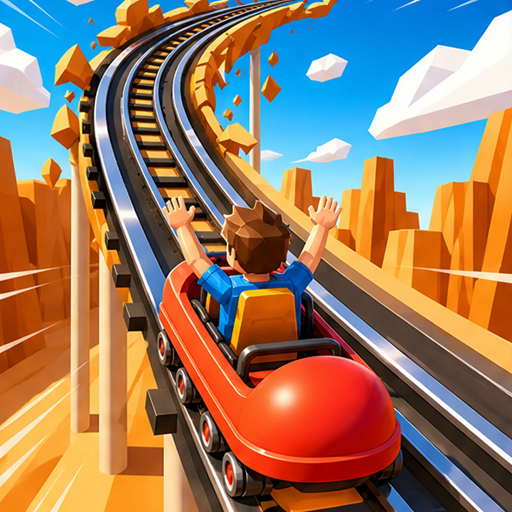
Create a compact racing game with three checkpoints, moving barriers, collectible boost energy, a 90-second timer, fall recovery, and a visible finish line. Use arrow keys and touch steering.
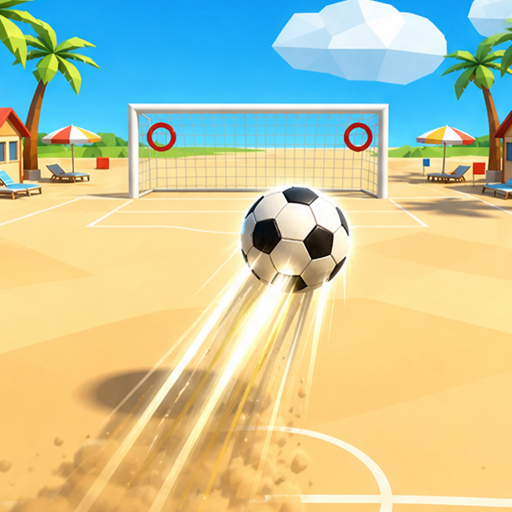
Create a top-down arcade shooter in a compact arena. Let the player move, aim, and fire while surviving five short waves. Show health, score, current wave, victory, defeat, and restart.
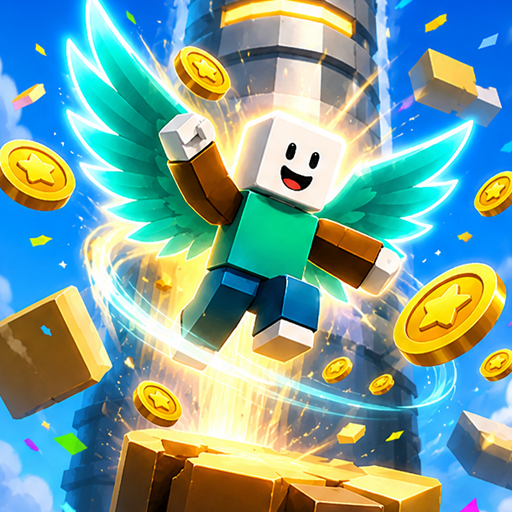
Create a vertical platformer with moving islands, consistent jump controls, collectible stars, three checkpoints, falling hazards, a camera that follows upward, and a beacon at the summit.
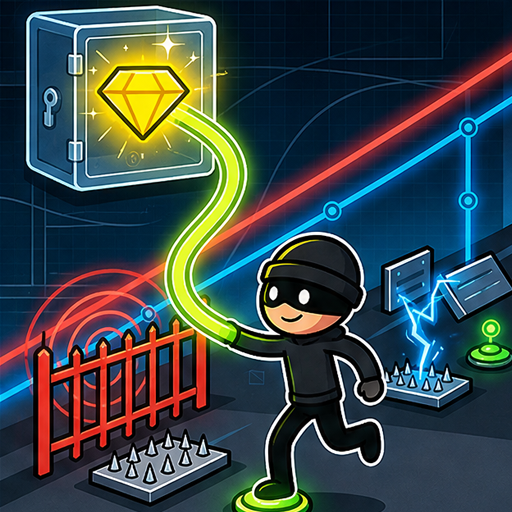
Create a top-down puzzle heist where the player disables terminals, avoids moving laser beams, collects three artifacts in order, and unlocks the exit without triggering the alarm.
Create a three-lane runner where the player changes lanes, collects energy, avoids barriers, gains speed every 100 points, and finishes after reaching a target score. Add keyboard and touch controls.
Create a two-player competitive arena game with separate controls, a 90-second round, one shared objective, visible scores, a clear winner or tie state, and a restart action.
A focused revision makes it easier to connect your instruction to the behavior you see in the next build.
Reduce horizontal movement speed by 15%. Keep every other rule unchanged.Increase the gap between the first five obstacles. Keep later obstacle spacing unchanged.Flash the score once when a pickup is collected and show +10 beside the player.Return the player to the latest checkpoint after a fall and preserve the timer.A well-structured prompt is only the starting point. Play one complete round and verify what the player can observe.
Choose a compact idea, generate it, and refine one behavior at a time.