 Cute
Cute MazeArcade
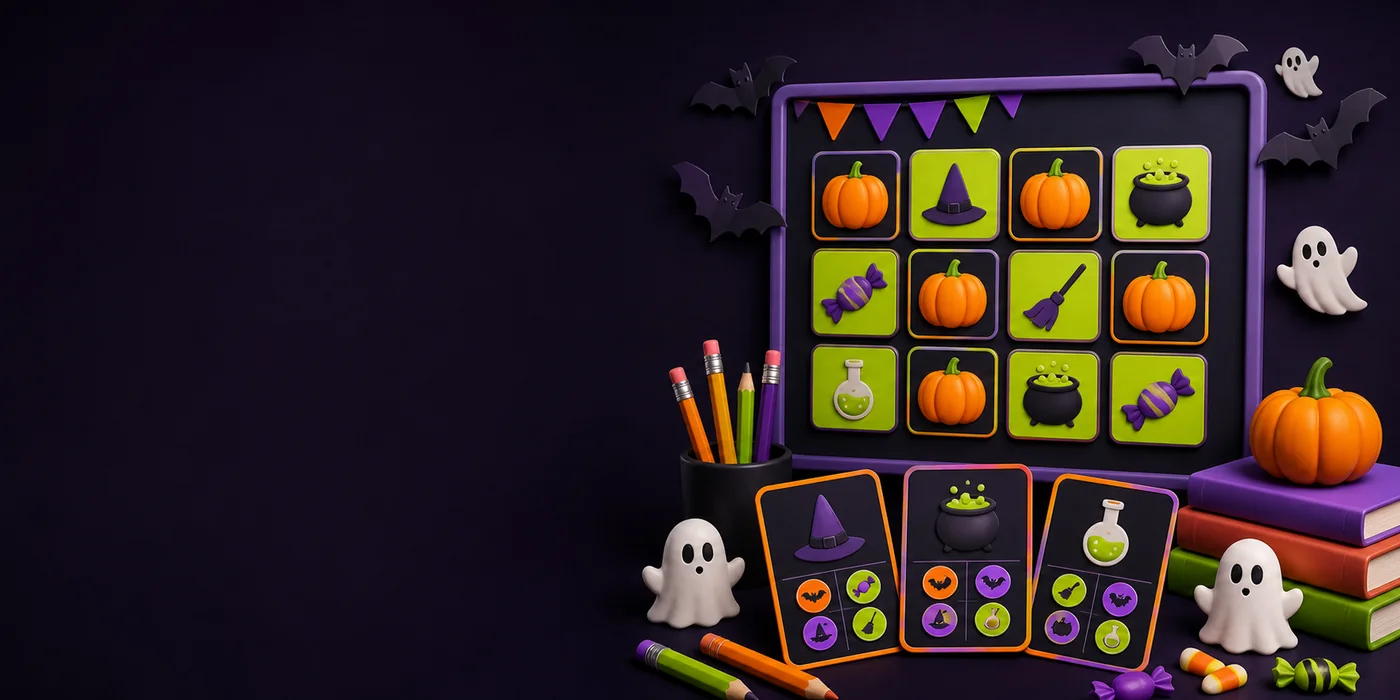
Short browser games and seasonal creation ideas for a quick class break. Review each activity on your school network before using it with students.
Choose a game with a simple objective and test controls, sound, and network access before class.
Cute 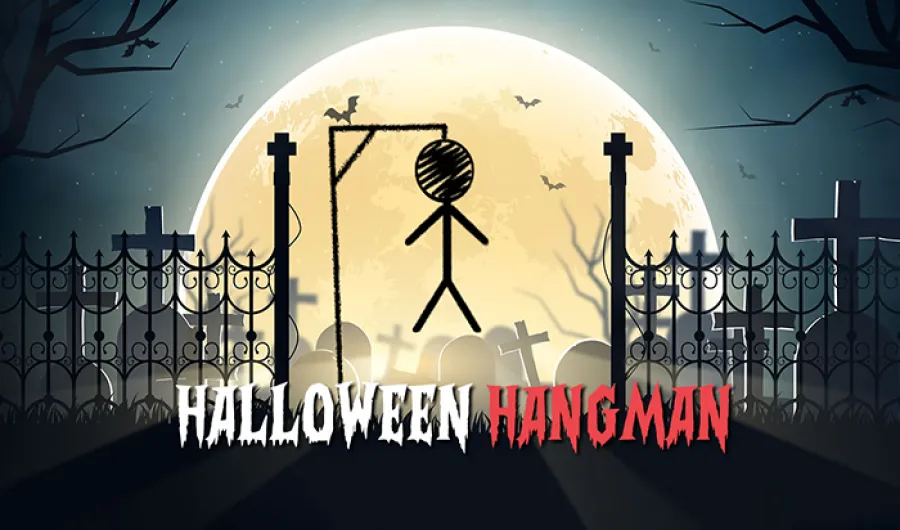 Spooky
 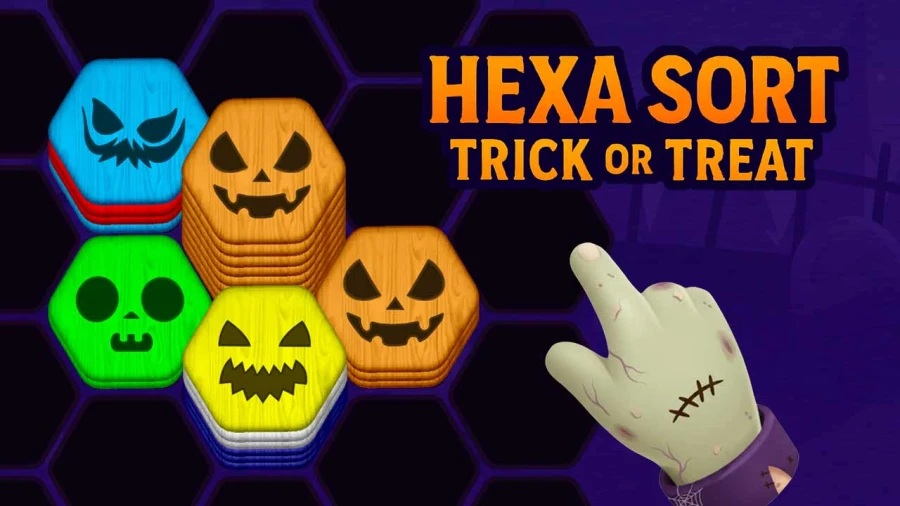 Cute
Cute 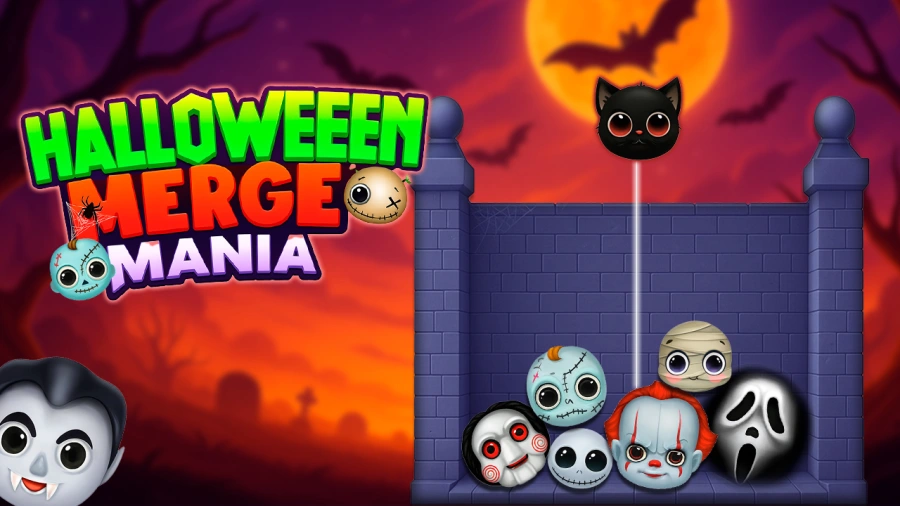 Cute
Cute Choose the learning or break-time goal before choosing the game. A memory match can reinforce seasonal vocabulary, a short quiz can review a lesson, and a simple puzzle can provide a structured five-minute transition between activities. Avoid opening an unfamiliar game live for the first time; controls, audio, advertisements, and network access should be reviewed in advance.
Run the selected game on the same Chromebook, browser version, and school connection students will use. Confirm that touch or keyboard inputs work, decide whether sound should be muted, and prepare a non-digital alternative in case school filtering changes. The duration shown on each game card is an estimate, so allow a small buffer for instructions and device setup.
Classroom Halloween content should use clear, low-scare visuals and avoid realistic violence or sudden jump scares. Teachers can use the Spooky Quiz and matching templates to replace generic questions with grade-appropriate material. Published activities remain browser pages, making them easier to share through an existing classroom link or presentation.
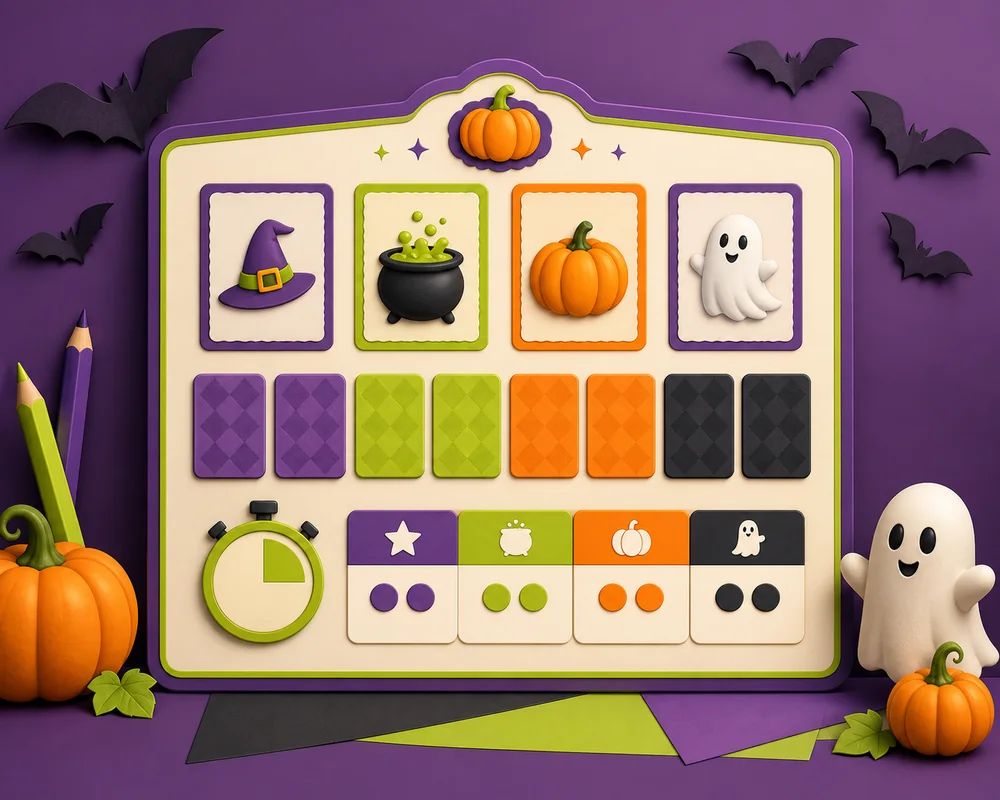
Start with a short template, add your own questions or vocabulary, and set a round length that fits the class.
The quick-play recommendations are designed for rounds of about two to eight minutes, though teachers should test each game before a lesson.
The featured browser games are selected for quick access. Any game that requires an account should be reviewed before it is used with students.
Browser-based games may run on current Chromebooks, but school network rules and device policies vary. Test the selected game on the classroom network first.
Yes. The Spooky Quiz template can be adapted with your own age-appropriate questions, answers, colors, and round length.